
Set up KroozTV on any device in minutes. Use the Downloader code on FireStick and Android TV, or pick your device below.
Open the Downloader app on your FireStick or Android TV, enter the code 4307782, install the IPTV app, then add your KroozTV login or playlist details. Setup takes a few minutes and works the same across the USA and Canada. You can also download the app directly from iptvsmarters.com/smarters.apk.
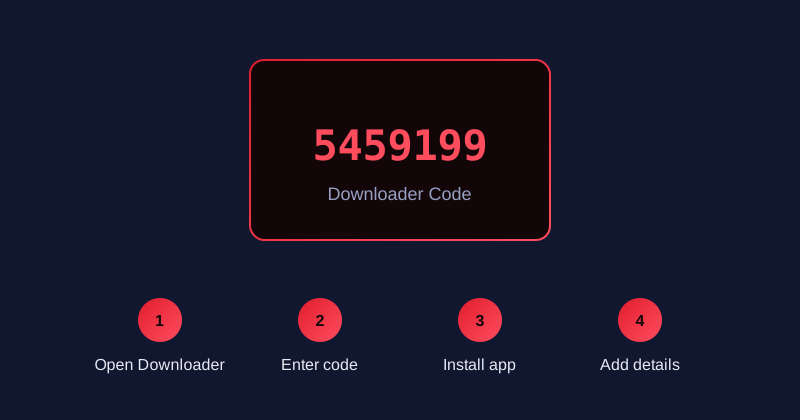
On FireStick or Android TV, open the Downloader app and enter this code to download the IPTV app quickly.
On FireStick or Android TV, open the Downloader app from your home screen.
Type the Downloader code 4307782 and press Go to fetch the IPTV app.
Wait for the download, then confirm the install prompt to add the app.
Open the app and enter your KroozTV login or playlist details to start streaming.
Use the Downloader app with the code above, or grab the direct APK and sideload it.
Download AppInstall the app from the Downloader code or sideload the APK on any Android TV device.
Download AppTake your TV with you. Compatible with all Android smartphones and tablets. Download our app directly or via Downloader using code: 4307782.
Download AppOn iPhone and iPad, install TiviMate or a compatible IPTV player from the App Store, then add your KroozTV login or playlist details.
View GuideInstall a compatible IPTV player from your TV app store, then add your KroozTV details.
View GuideThe Downloader code is 4307782. Enter it in the Downloader app on FireStick or Android TV to download the IPTV app quickly.
Open the Downloader app, enter code 4307782, install the app, then add your KroozTV login details. The same steps work across the USA and Canada.
Yes. Install a compatible IPTV player from your Smart TV app store, then add your KroozTV details.
Yes. Enter the portal URL provided with your subscription in your MAG portal settings.